
Your Practice and Proctoring Platform Powered by AI
Prepare with purpose as an individual, or deliver secure assessments as an organisation.
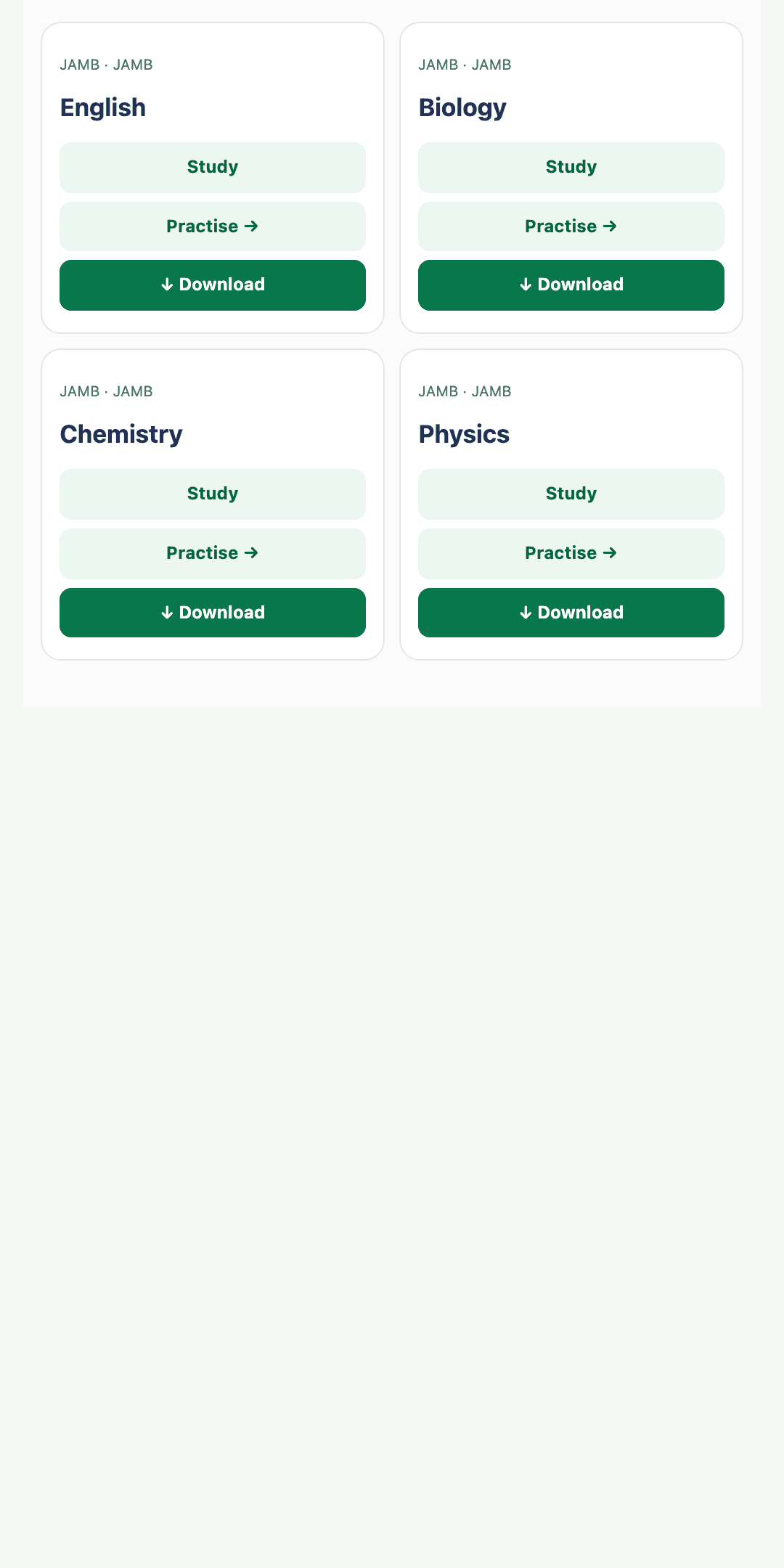
Choose your Quicktest experience
This selection changes the product story below.
Practice smarter. Walk into every Exam ready.
Choose your exam, practise with focus and turn every result into the next useful step in your learning.
- Personalised dashboard
- Actionable result feedback
Practise with purpose.
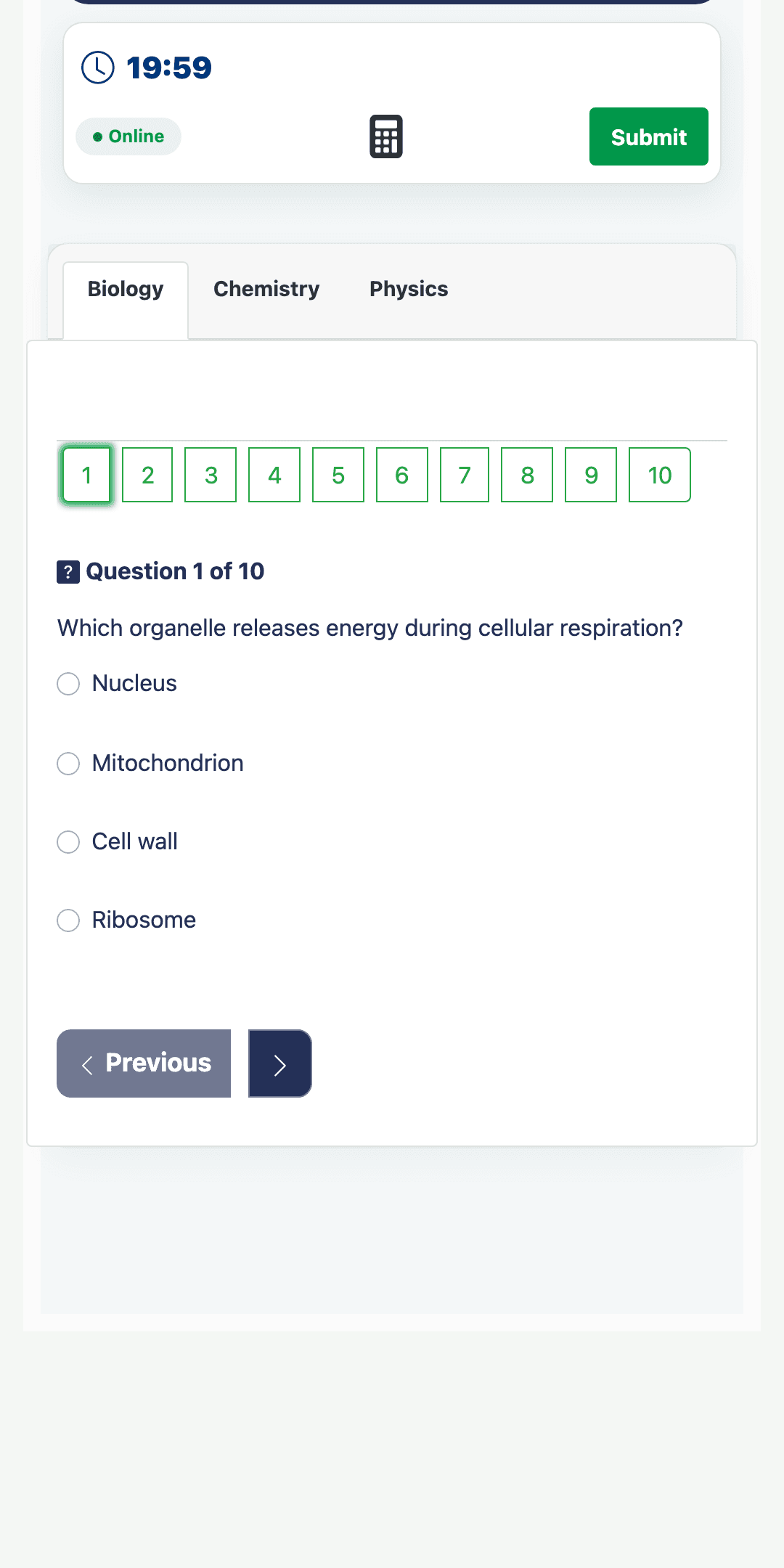
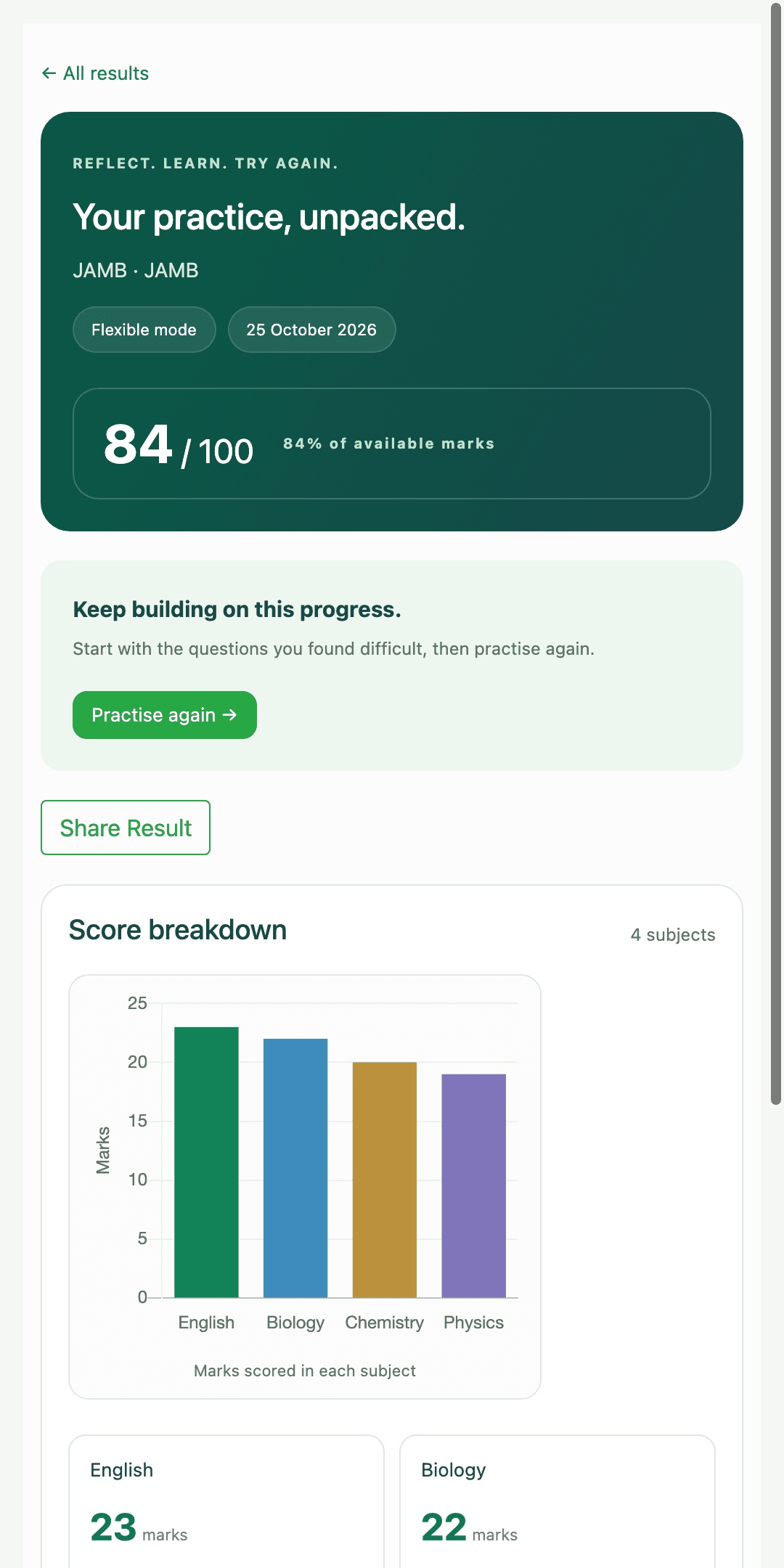
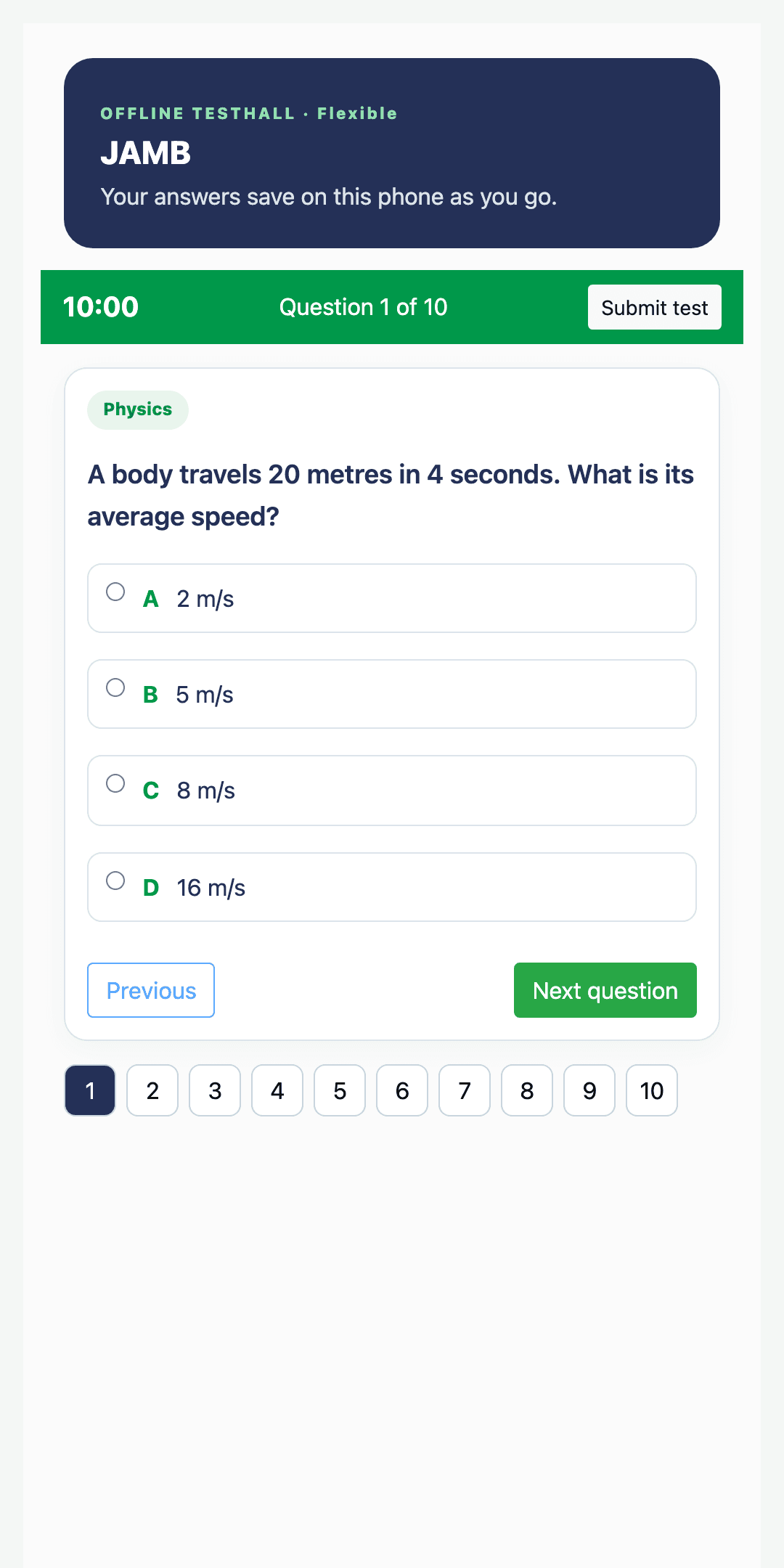
Work through exam questions in a focused test hall with timing, subject tabs and clear question navigation.
- 1
Choose your exam and subjects
Build a practice session around what matters now.
- 2
Work at a realistic pace
See your time, progress and unanswered questions.
- 3
Review what happened
Move from a score to the topics worth revisiting.
Make difficult topics click.
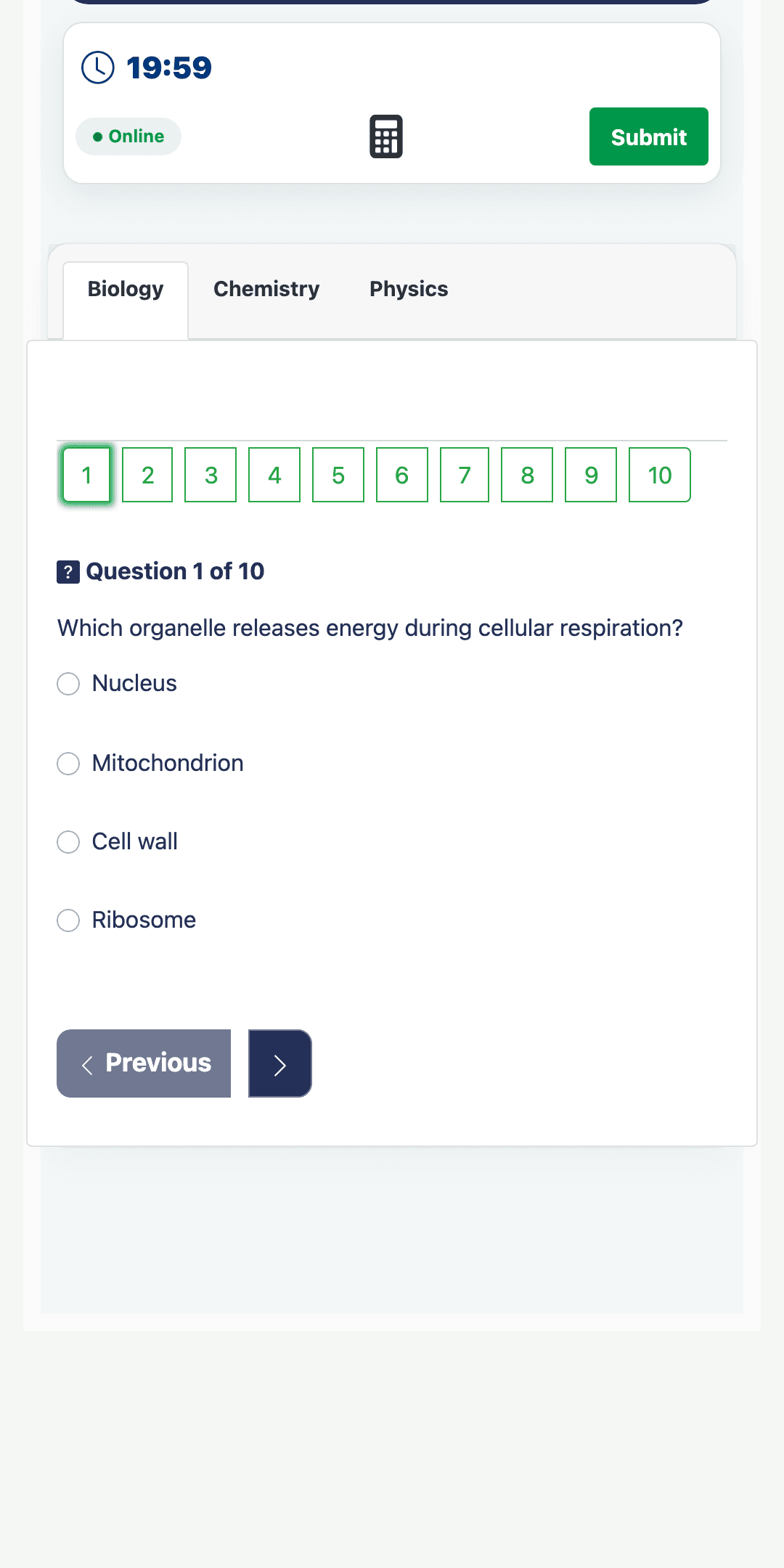
Move from a weak topic into clear study notes and AI-assisted explanations that help you understand—not merely memorise.
Explore topics and subtopics
Study with context before returning to practice.
Choose an explanation style
Regenerate a note when another angle would help.
Find your strengths. Focus your effort.
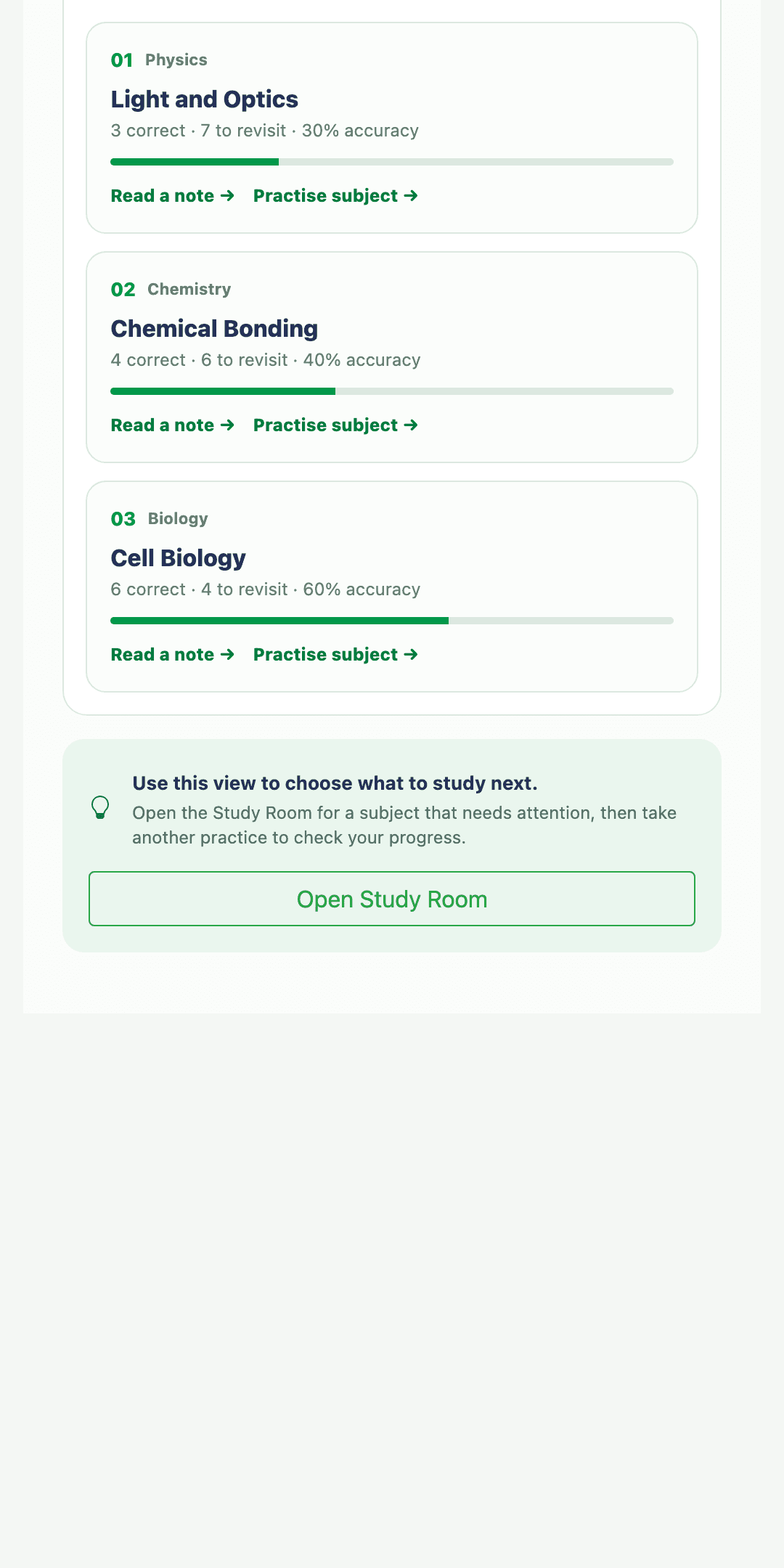
See how scores move over time, identify topics that need attention and return to the right study or practice action.
Progress
See recent performance as a readable pattern.
Direction
Know which topic deserves your next session.
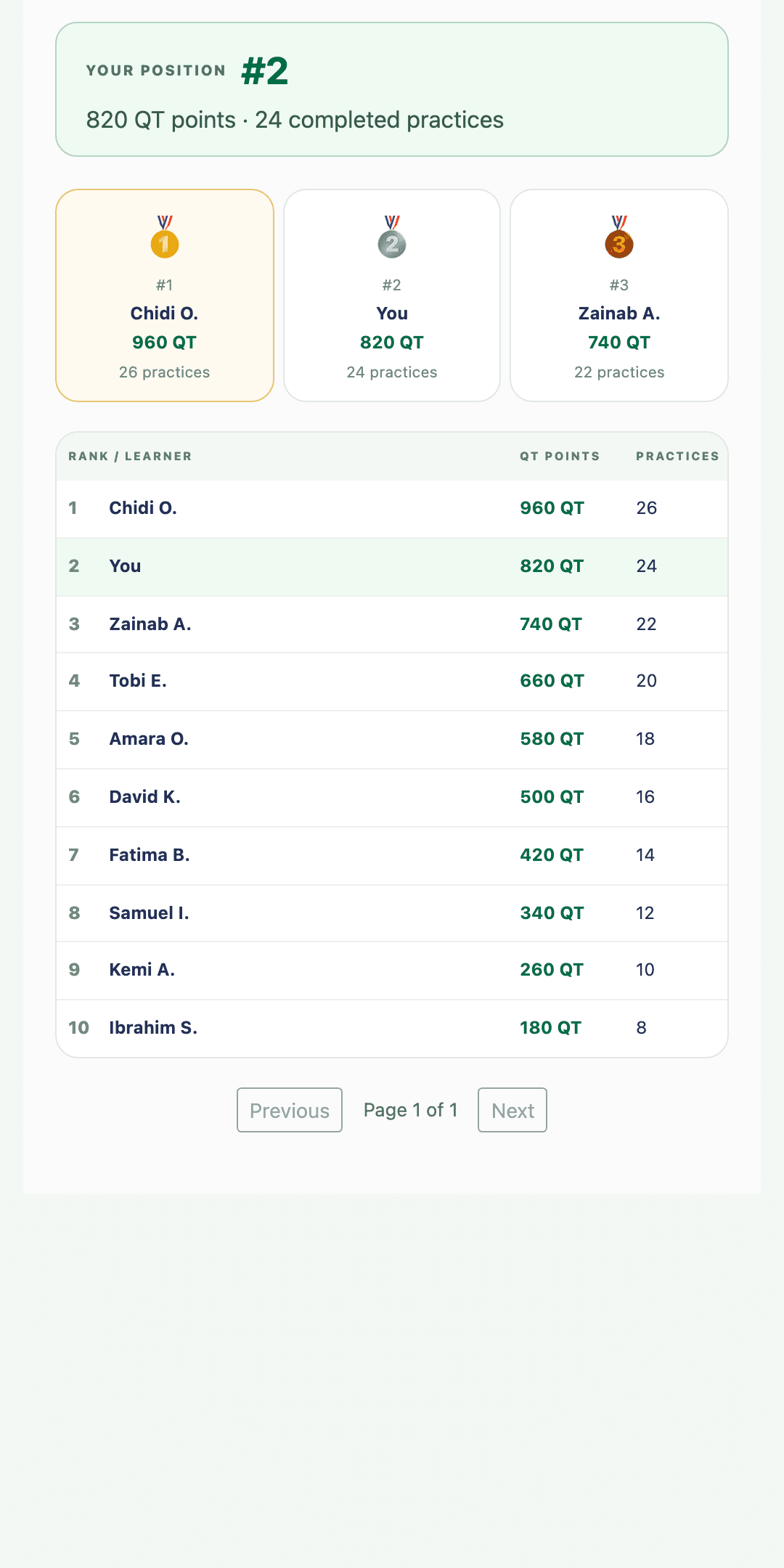
Build the habit. Climb the ranks.
Follow QT points, leaderboard position, practice streaks and milestones as consistent work turns into visible momentum.
Practice streaks
Keep a rhythm without turning learning into pressure.
Points and milestones
Celebrate progress across completed practices.
Keep practising. Even offline.
Download supported practice content on mobile, or install the desktop app for Windows and macOS.
No website account or subscription is required before downloading the software.
Eligible practice content and account features are confirmed after installation.
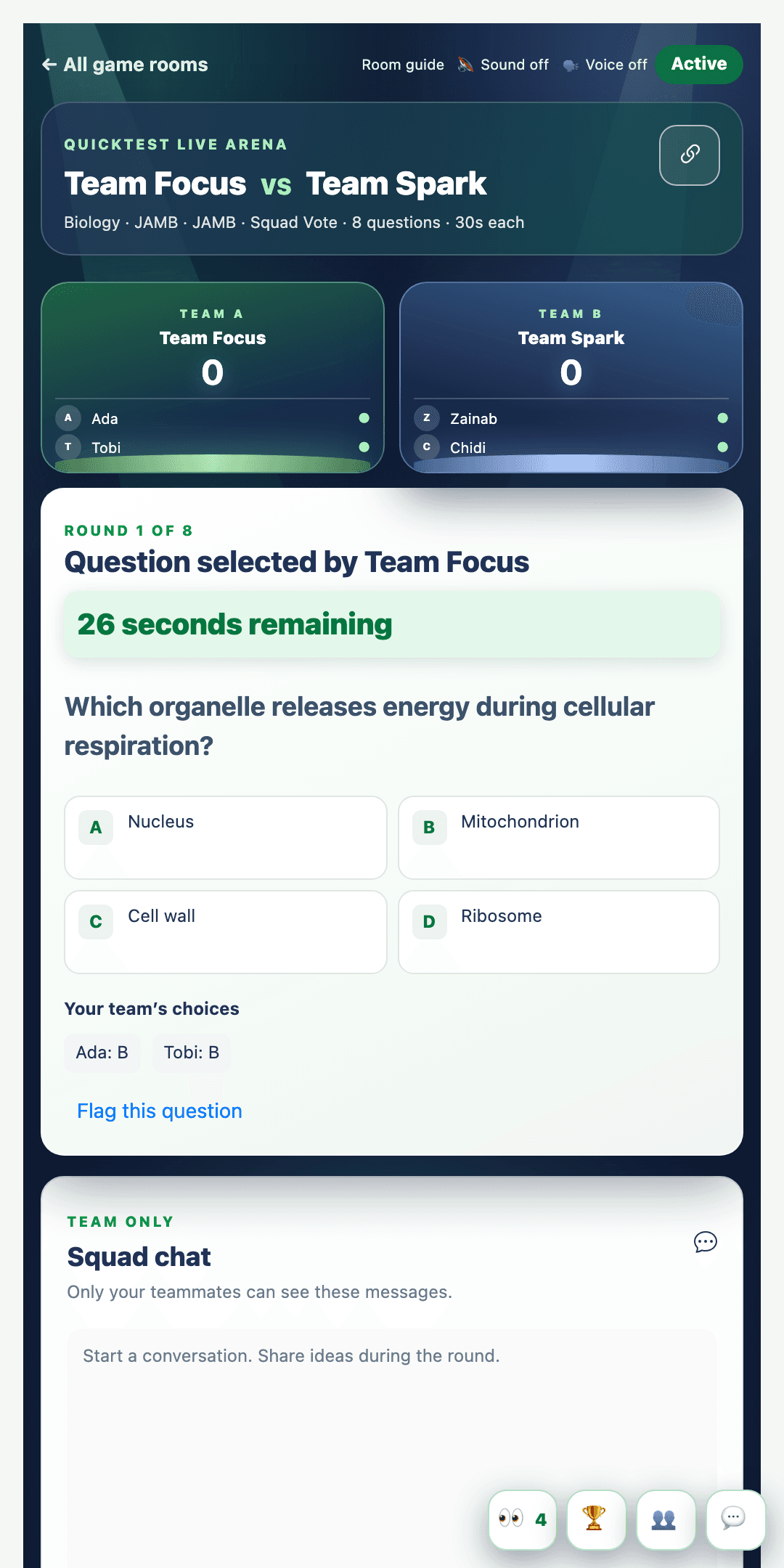
Challenge your squad. Learn in the moment.
Answer together in Squad Vote or take your turn in Relay Duel. Every question brings the room, the score and the conversation alive.
Enter a live room
Use a shared room link or code.
Think as a team
Vote, relay and chat in the round.
Keep support in the loop.
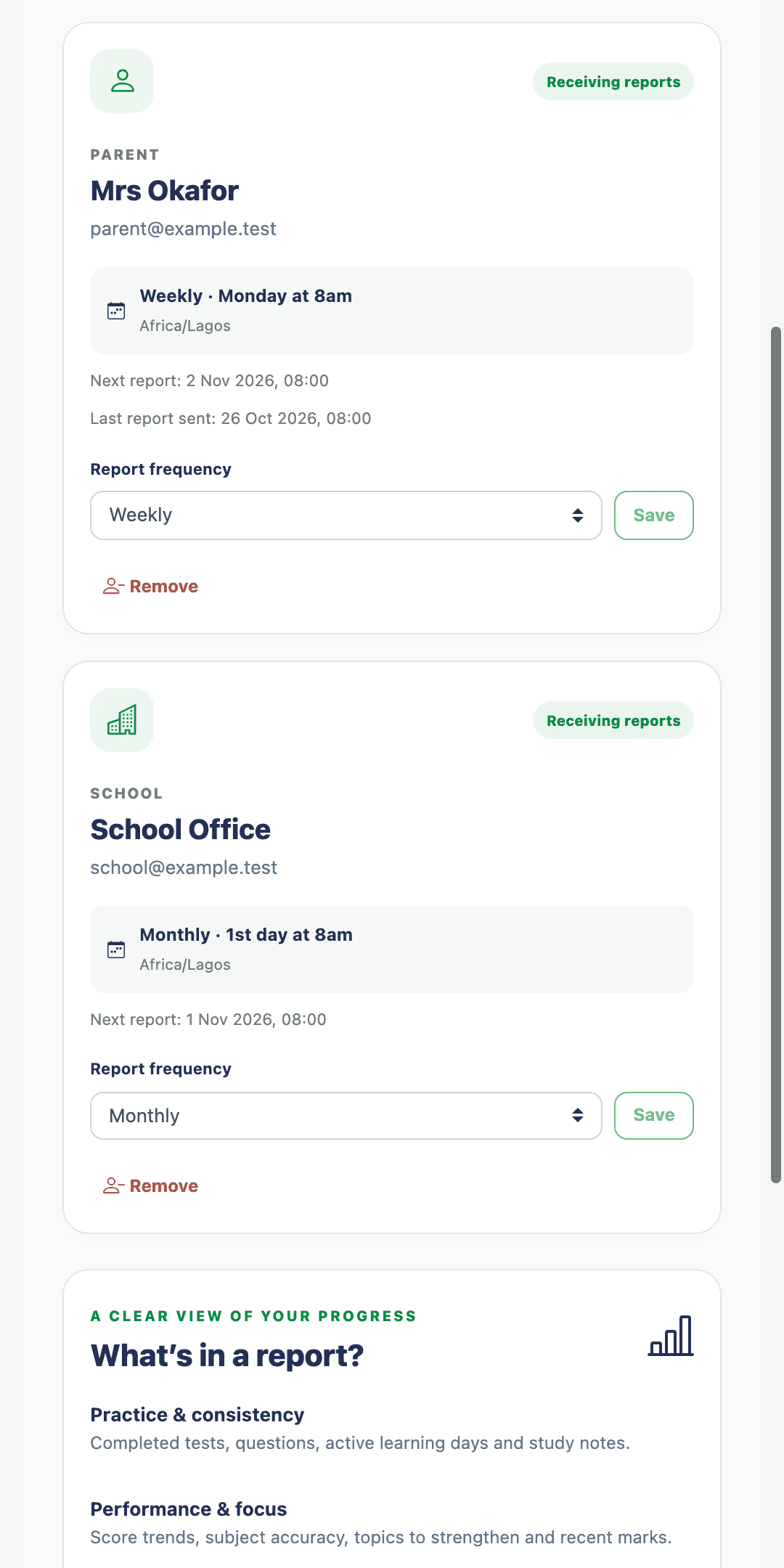
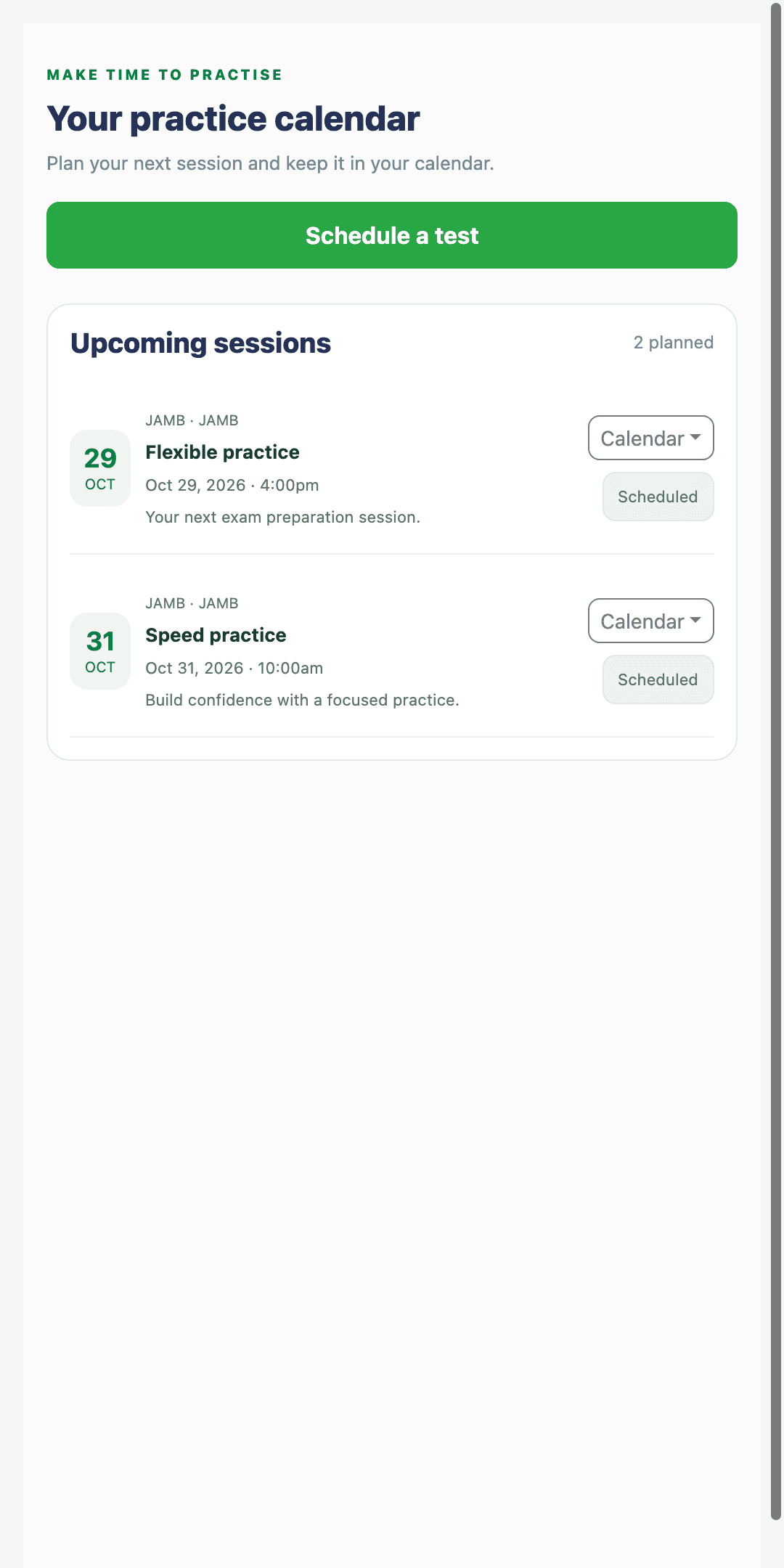
Invite a parent, tutor or school to receive periodic practice reports, then schedule the sessions that keep your learning plan moving.
Practice reporting
Weekly or monthly progress summaries.
Practice scheduler
Plan sessions and add calendar reminders.
Confidence grows through useful practice.
Social proof can be replaced automatically from the configured backend source.
“Quicktest helped me practise with more confidence before the exam.”
“The practice experience made it easier to see where I needed more work.”
“I could move from the result to a clearer next practice session.”