Your Practice and Proctoring Platform Powered by AI
Prepare with purpose as an individual, or deliver secure assessments as an organisation.
Choose your Quicktest experience
This selection changes the product story below.
Run assessments with clarity. Support progress.
Create structured assessments, organise candidates and turn results into useful decisions from one organisation workspace.
- Schools and academies
- Employers and training teams

Build the test. Control the experience.
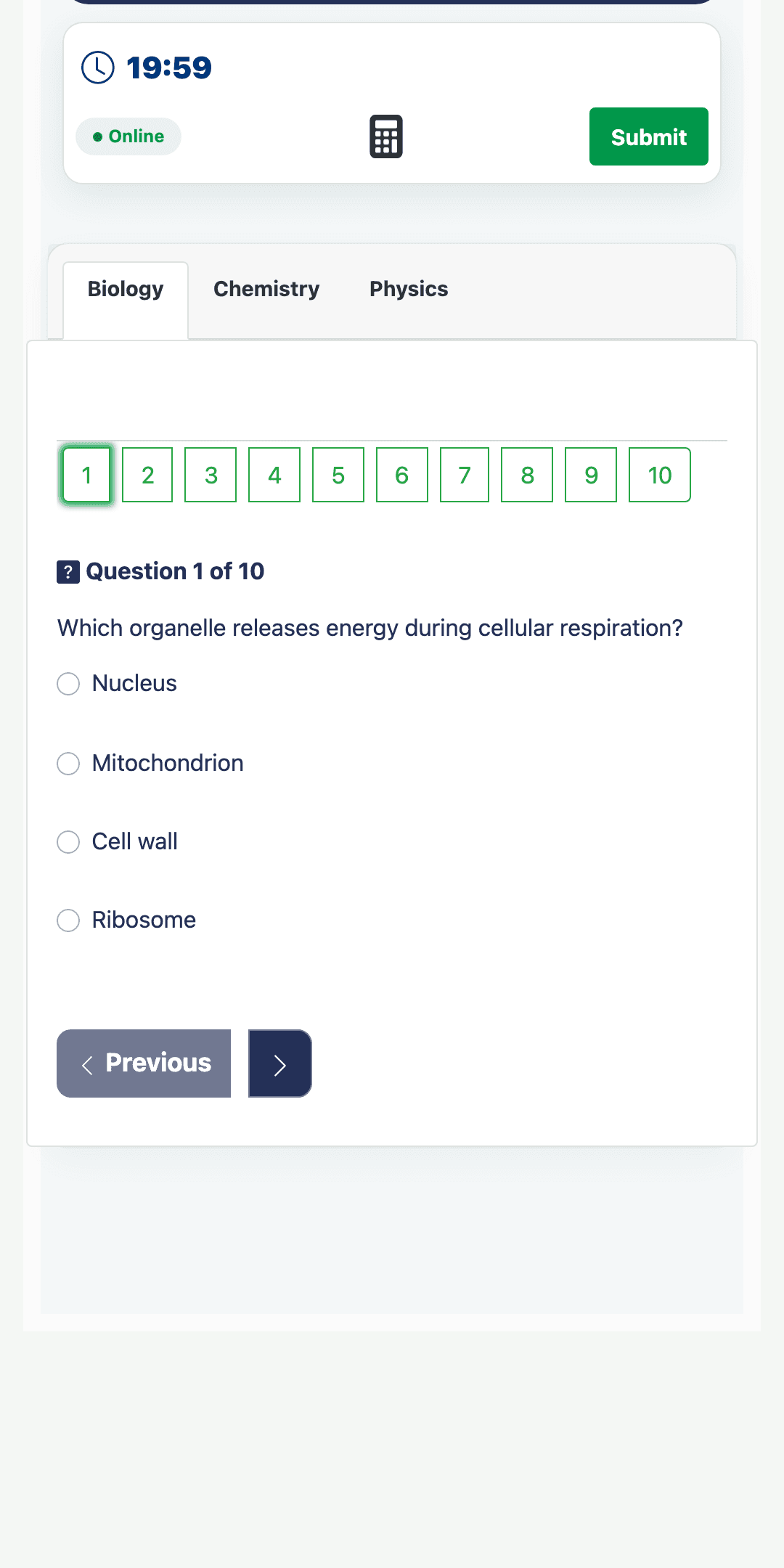
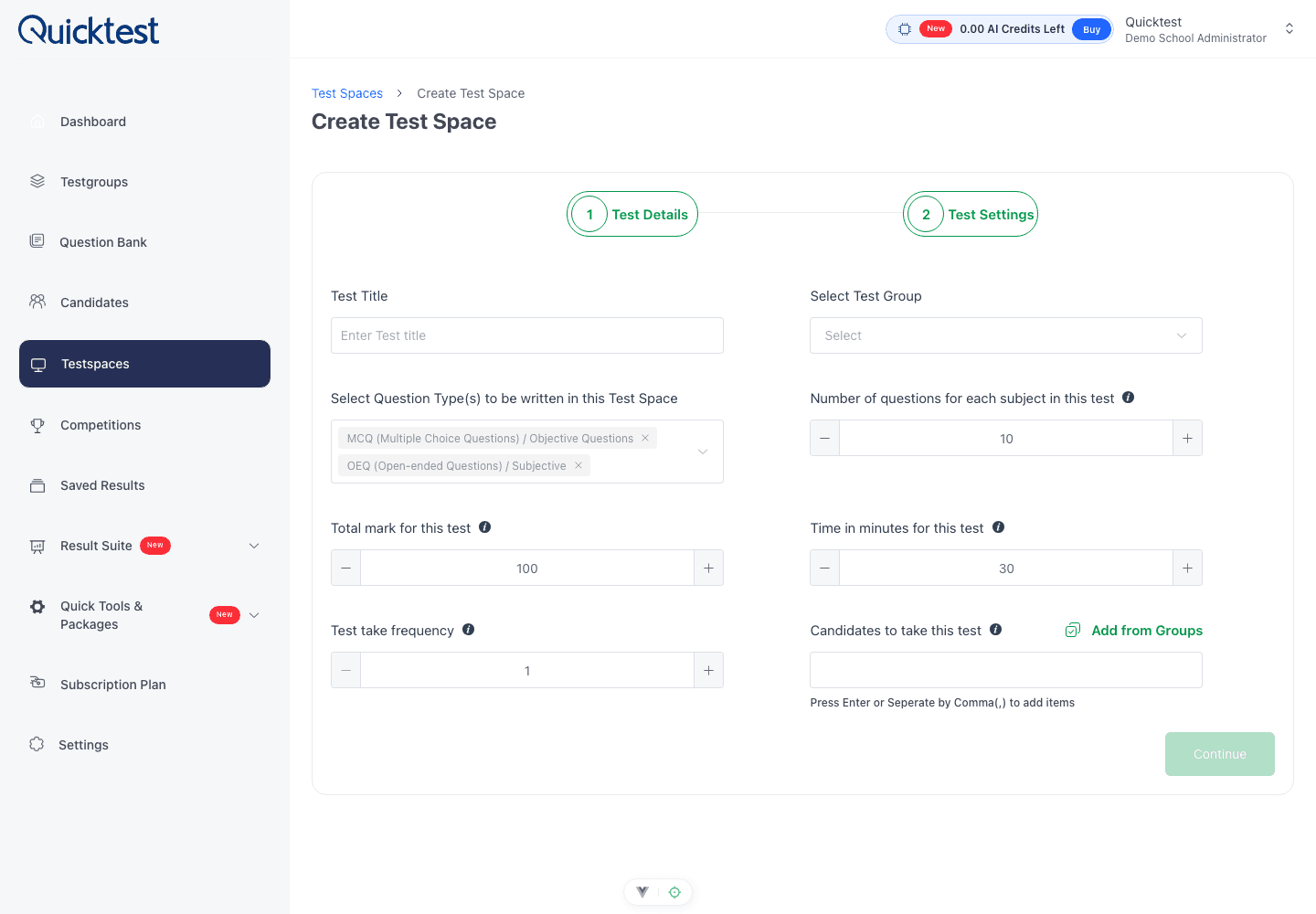
Create a Testspace around your subjects, questions, timing and participation rules, then give candidates a focused test hall.
Define the assessment
Subjects, question count, duration and availability.
Share the Testspace
Portal access, candidate groups and scheduled participation.
Follow completion
See participation and results when the assessment closes.
Use the outcome
Move from marks to clearer learning or selection decisions.
The right people. In the right assessment.
Organise candidates into groups, connect them to Testspaces and keep access structured through your organisation portal.
- 1
Create groups
Organise classes, cohorts, departments or teams.
- 2
Add candidates
Keep identities and participation records organised.
- 3
Assign Testspaces
Give each group the correct assessment and schedule.
Organisation portal →Candidate access →Assessment
Keep assessment content organised.
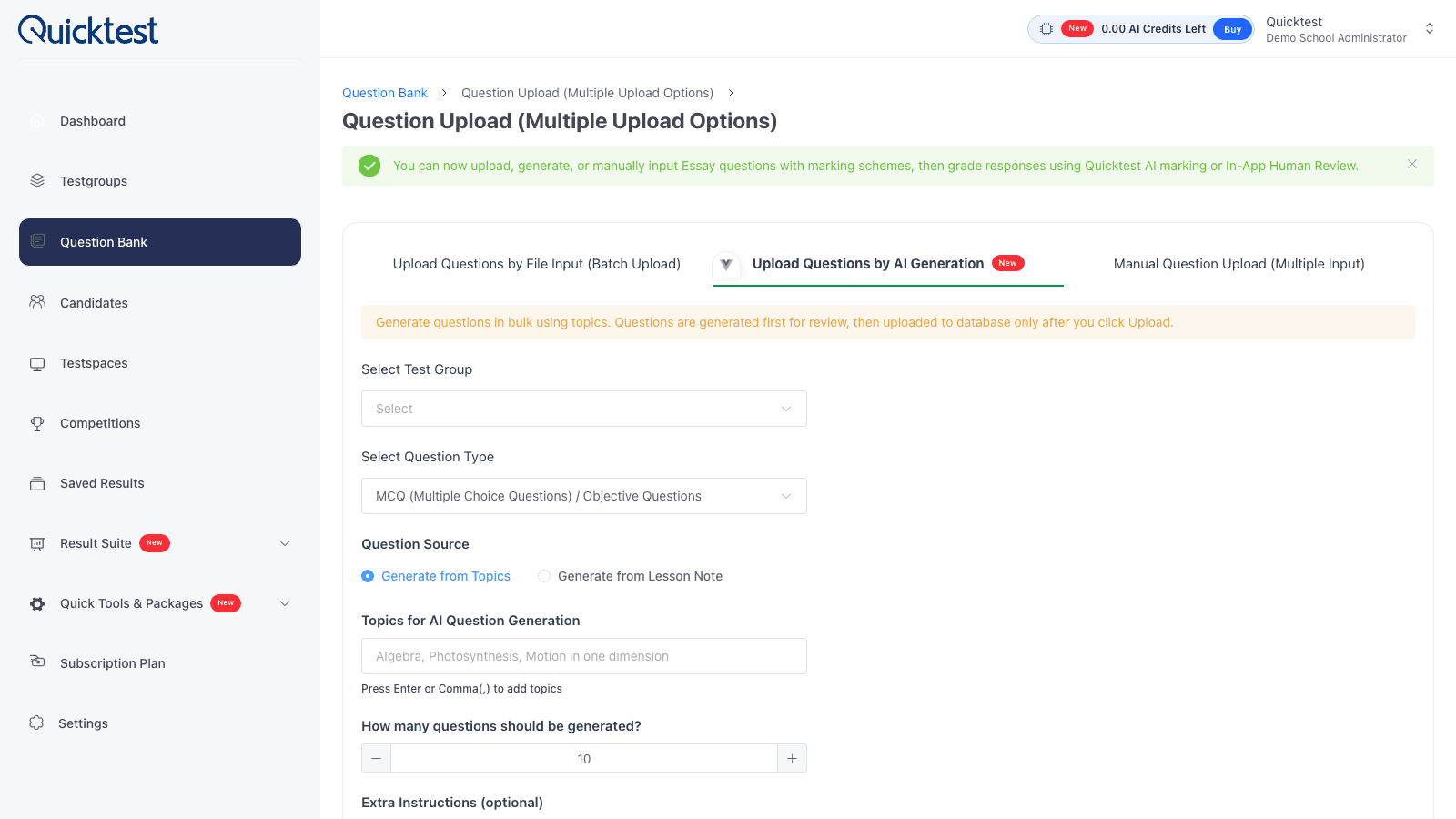
Generate questions with AI, paste existing material for AI to arrange, upload files, and maintain reusable questions by subject and topic.
- Generate complete question sets with AI
- Copy and paste content for AI-assisted arrangement
- Upload files or enter questions manually
- Reuse approved questions across Testspaces
Set the conditions. Protect the process.
Configure how and when candidates participate, then keep important assessment rules visible throughout delivery.
Browser monitoring
Record tab changes and suspicious browser activity.
Access codes
Require controlled codes before candidates enter.
Fullscreen enforcement
Require fullscreen and respond when candidates exit it.
Time and participation
Control duration and track attendance and completion.
See the outcome. Find the next action.
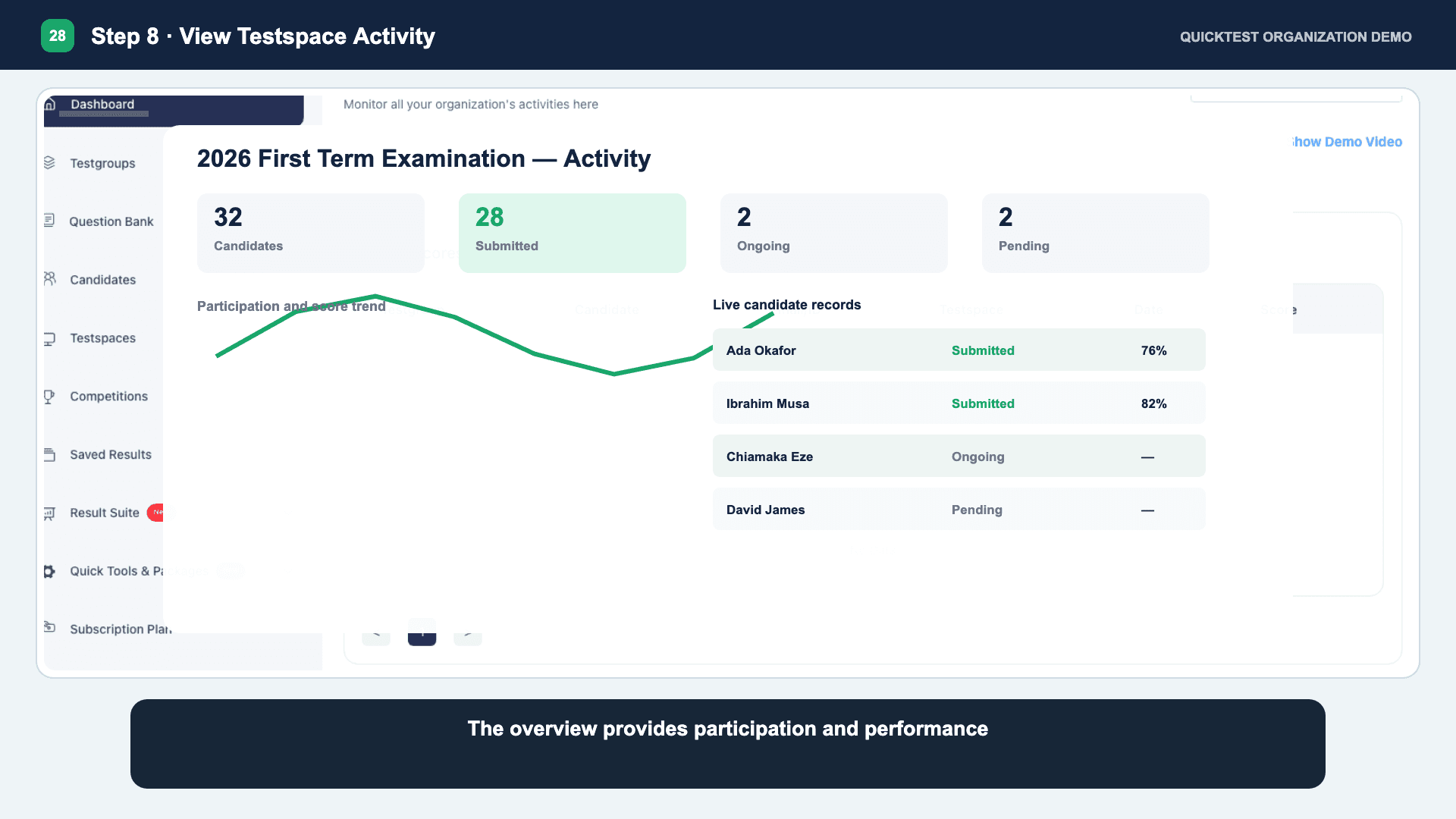
Review pie charts, participation patterns and the full candidates result table, then use the evidence to guide support, teaching or programme decisions.
Score trends
Understand movement across recorded assessments.
Subject view
Compare outcomes across subjects and groups.
Prepare your students beyond internal tests.
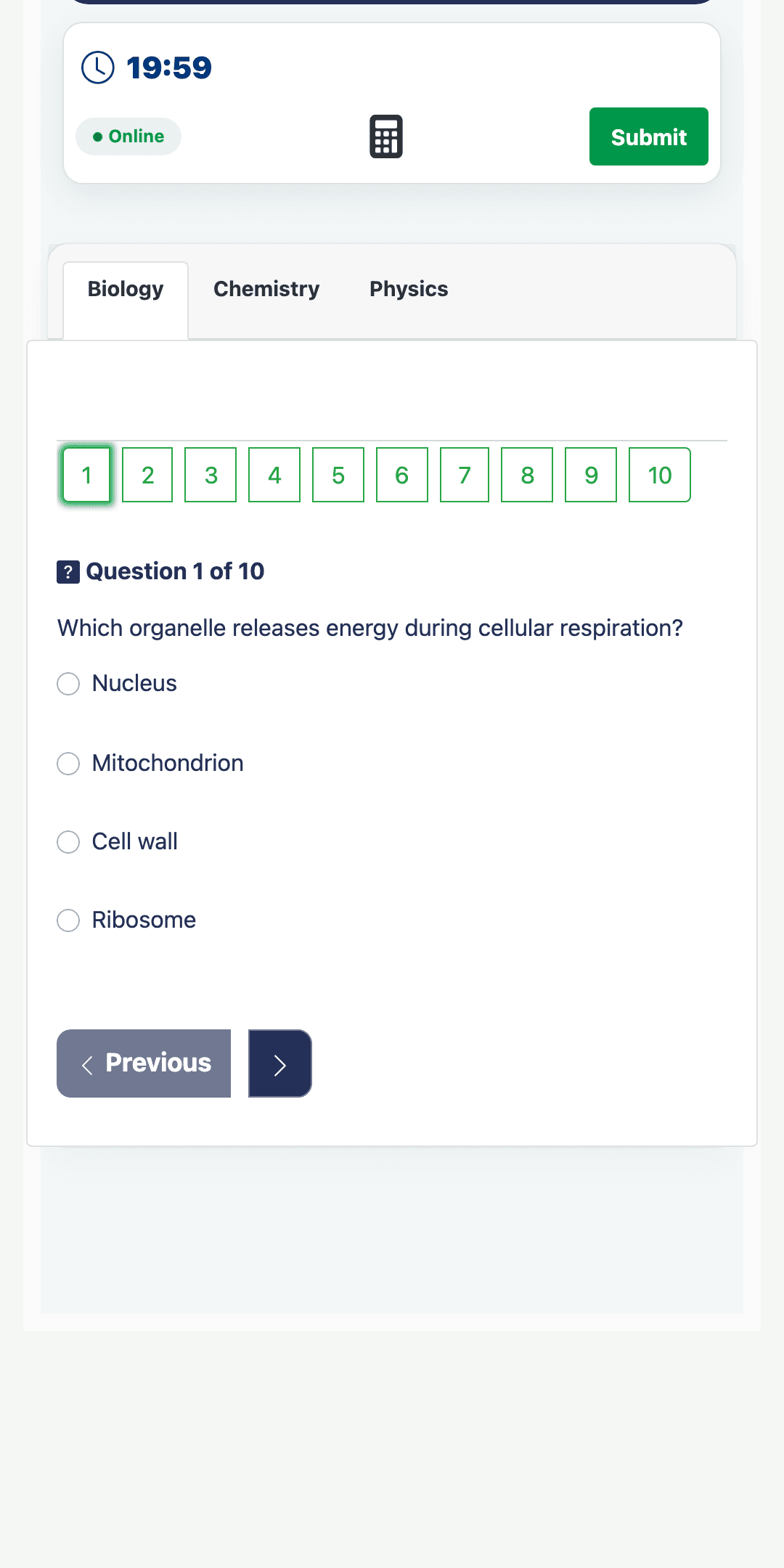
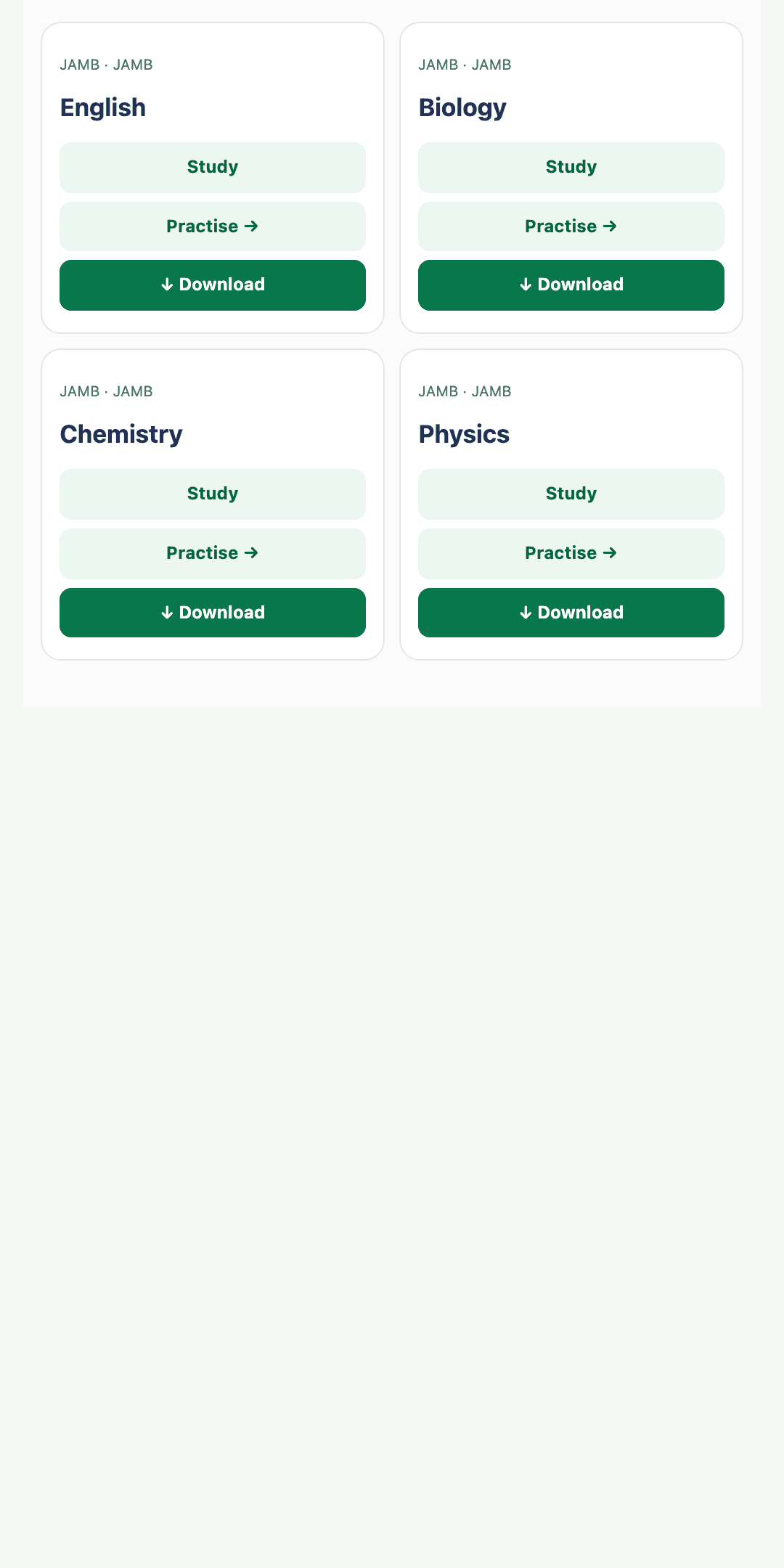
Give students access to JAMB, WAEC, NECO SSCE, NECO BECE, POST UTME and other supported external examination practice—with custom discounted pricing for your students.
Realistic exam preparation
Build confidence around supported external examinations.
Connected learning insight
Help students see results and focus their next effort.
Custom discounted pricing
Arrange organisation-specific access prices for your students.